Complex workflow · 8 steps · about 30 sec
Three-party contract: signing order, CC and countersign
Everyone signs in the right order, and you sign last.
Some contracts need the client’s marketing lead first, then their CFO, with their legal contact on CC to receive a copy and your signature last. Set the signing order once and turn on countersign. Each person is asked when it is their turn, and a link opened early simply waits.
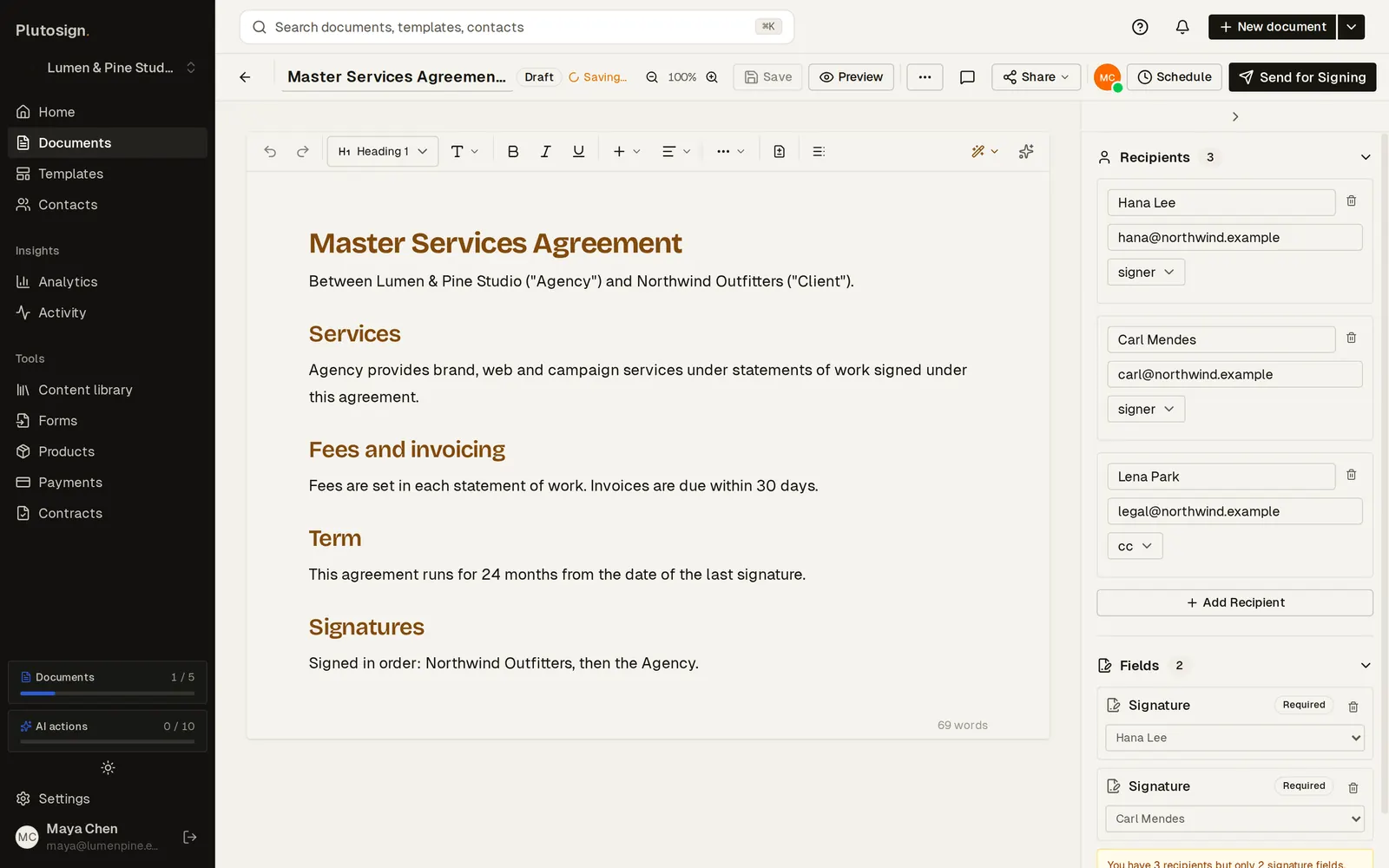
Step 1 of 8Add both client signers, each with a signature field, and their legal contact on CC to receive a copy.
Real Plutosign screens with sample people and companies. Use the arrow keys, swipe, or press Autoplay to watch.
Every step
The same walkthrough as text, screen by screen.
- 01
Add everyone
Add both client signers, each with a signature field, and their legal contact on CC to receive a copy.
On a computer
- 02
Set the order
Turn on signing order and countersign, then send once. Each signer is asked in turn, and you sign last.
On a computer
- 03
Track the order
The document page numbers each signer and shows who it is waiting on.
On a computer
- 04
Out of turn
If Carl, the CFO, opens the link early, it shows that it is not their turn yet.
On a phone
- 05
Hana, Head of Marketing, signs first on a phone.
On a phone
- 06
Now it is Carl's turn, and Carl signs second.
On a phone
- 07
With both client signatures in, you countersign last.
On a computer
- 08
Completed
Completed in order: both client signers, then your countersignature. The CC contact receives a copy.
On a computer
Related workflows
See all workflows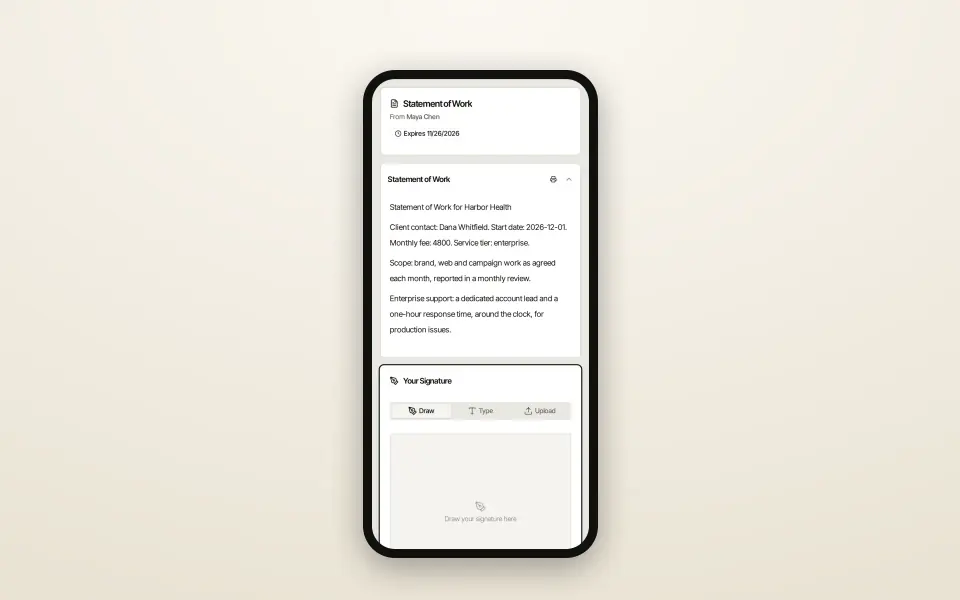 6 steps · about 20 secComplex
One SOW template, the right clauses for each client
Every client gets exactly the clauses that apply to them.
One template with conditional sections: each client sees only the clauses for their tier.
 7 steps · about 25 secComplex
Manager approval before a discounted quote goes out
Approval happens before the client ever sees the price.
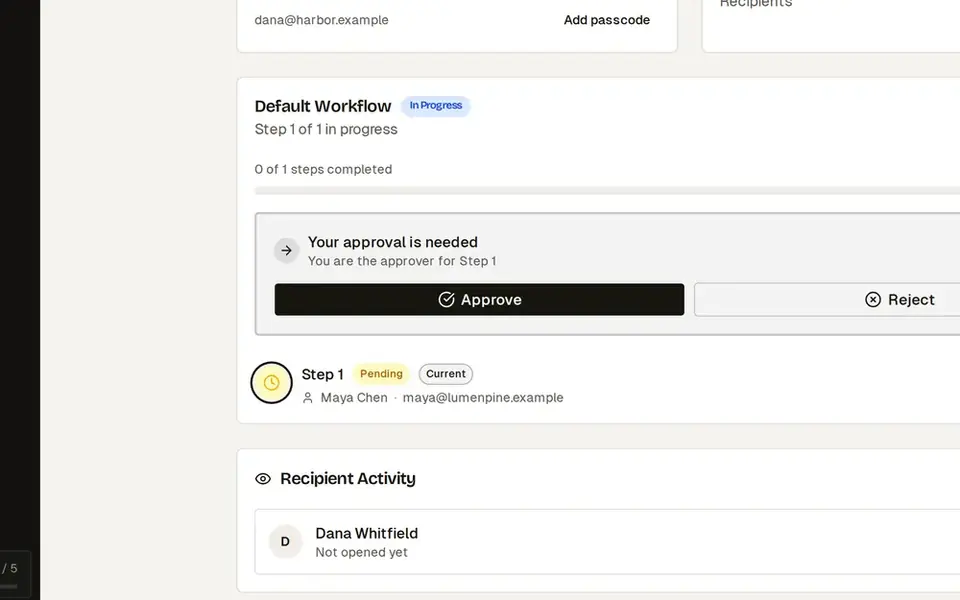
Discounts above your limit need an admin’s approval before the client can open the quote.
 8 steps · about 30 secSimple
Send a proposal and get it signed
From template to signed PDF without leaving the browser.
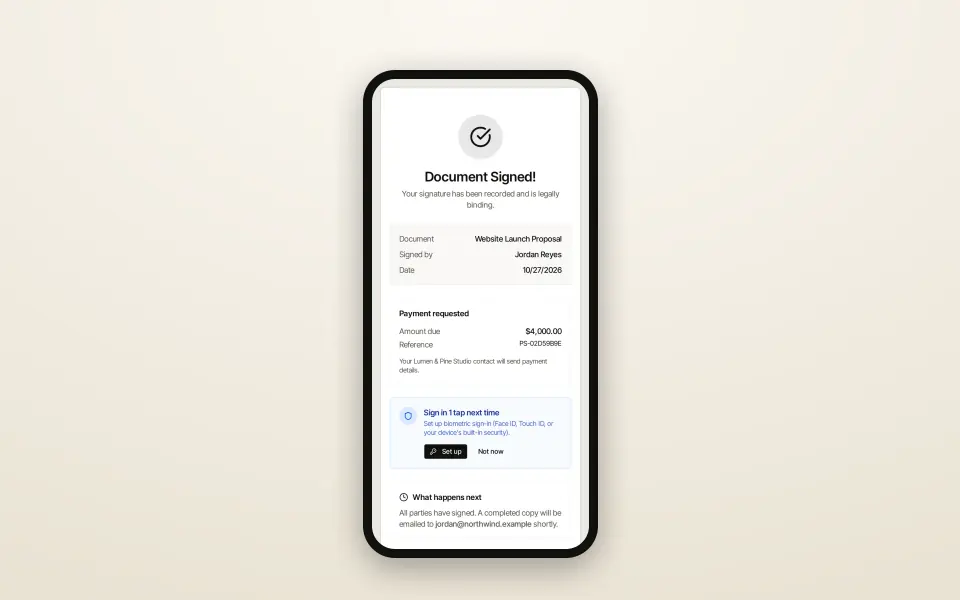
Go from a template to a signed proposal, with your client signing on their phone.
Try this workflow with your own documents.
No credit card required.