Complex workflow · 7 steps · about 25 sec
Manager approval before a discounted quote goes out
Approval happens before the client ever sees the price.
Set one rule in Team settings, such as any discount above 15% needs approval. When a rep sends a quote over the limit, Plutosign asks them to pick an admin or owner to approve it. The approver reviews the quote on its page and approves it, or rejects it with a reason. Only then can the client open and sign it.
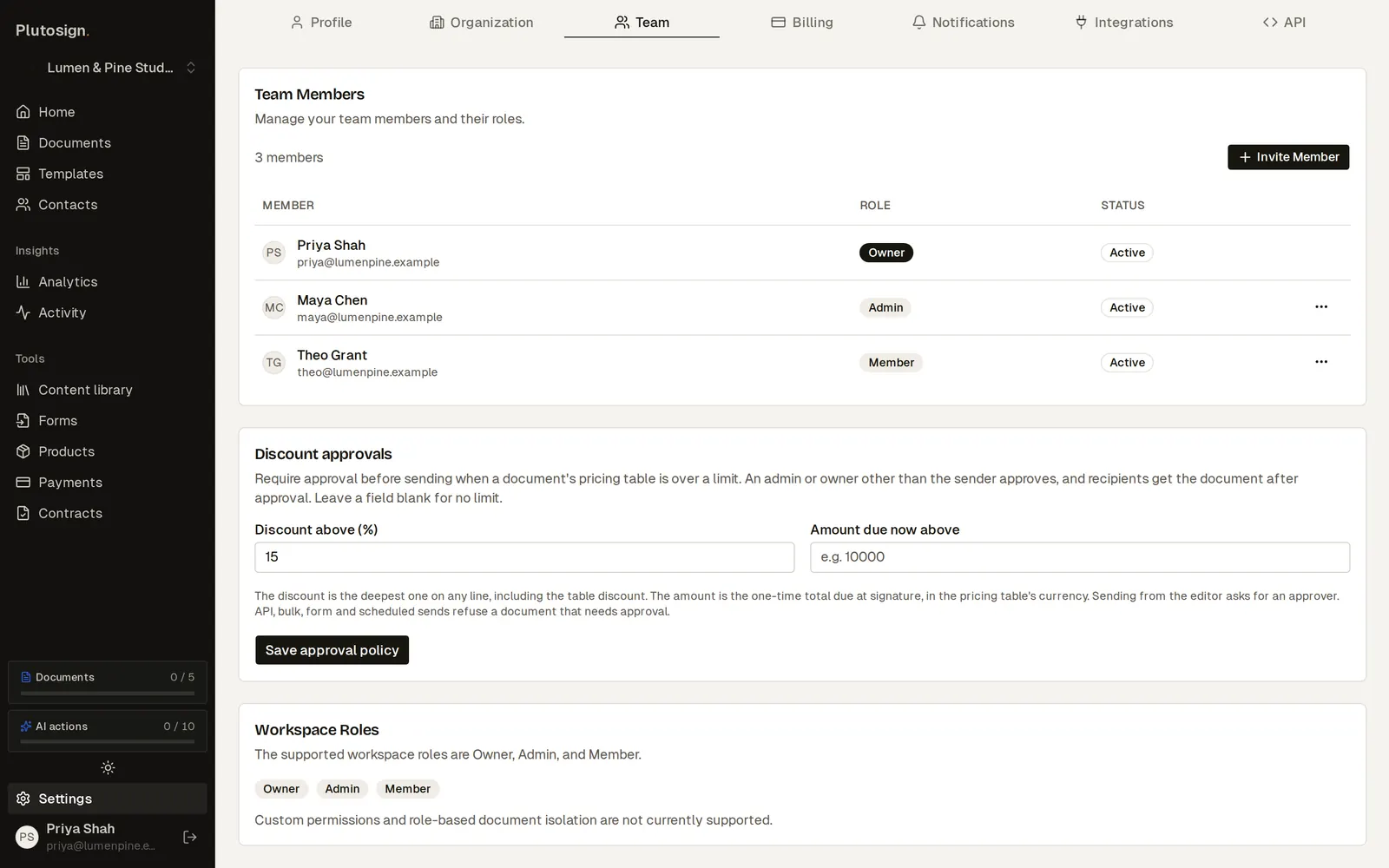
Step 1 of 7The agency owner sets one rule in Team settings: any discount above 15% needs approval.
Real Plutosign screens with sample people and companies. Use the arrow keys, swipe, or press Autoplay to watch.
Every step
The same walkthrough as text, screen by screen.
- 01
Set the rule
The agency owner sets one rule in Team settings: any discount above 15% needs approval.
On a computer
- 02
A discounted quote
Theo, a sales rep, prepares a quote with a 20% discount.
On a computer
- 03
Approval needed
Plutosign says the discount is over the limit. Theo picks Maya, an admin, as the approver.
On a computer
- 04
Waiting on approval
The quote waits for Maya. Harbor Health cannot open it yet.
On a computer
- 05
Manager approves
Maya reviews the quote on its page and approves it, or rejects it with a reason.
On a computer
- 06
Once approved, the quote is released and Harbor Health signs at the price Maya approved.
On a phone
- 07
Completed
Completed: the discount went out only after an admin approved it.
On a computer
Related workflows
See all workflows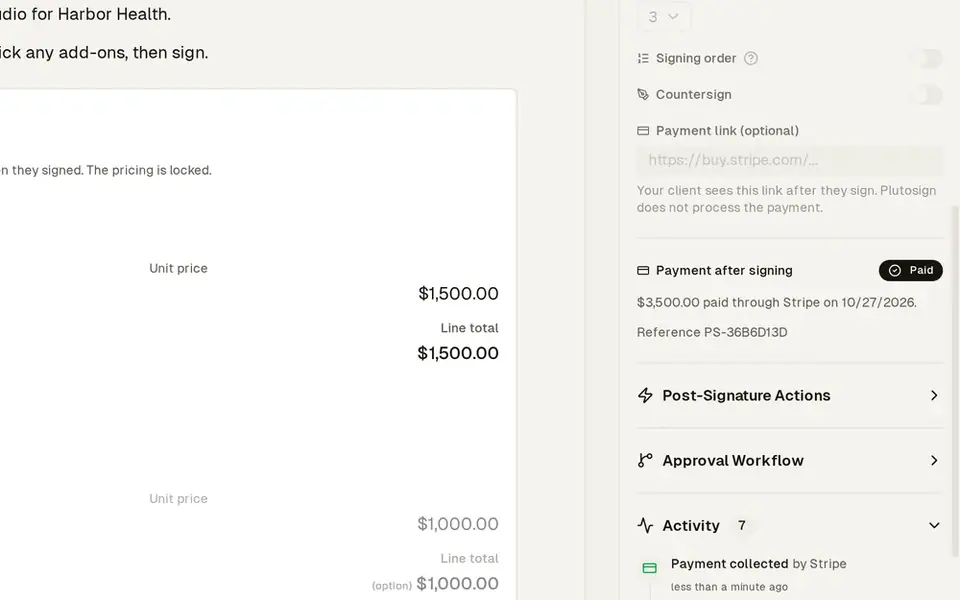 8 steps · about 30 secComplex
Quote where the client picks a package and add-ons
The client builds their own deal, then pays you directly.
Send one quote. The client picks a package and extras, and sees the totals update.
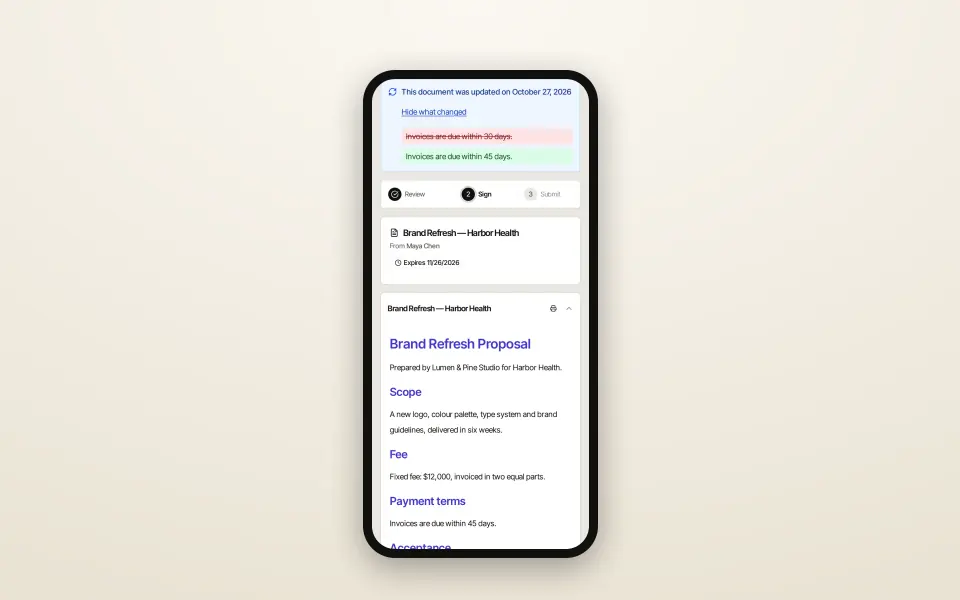 7 steps · about 25 secSimple
Client asks for changes, you revise and resend
One document from first draft to signature, changes included.
The client declines with the change they need. You revise the same document and send it again.
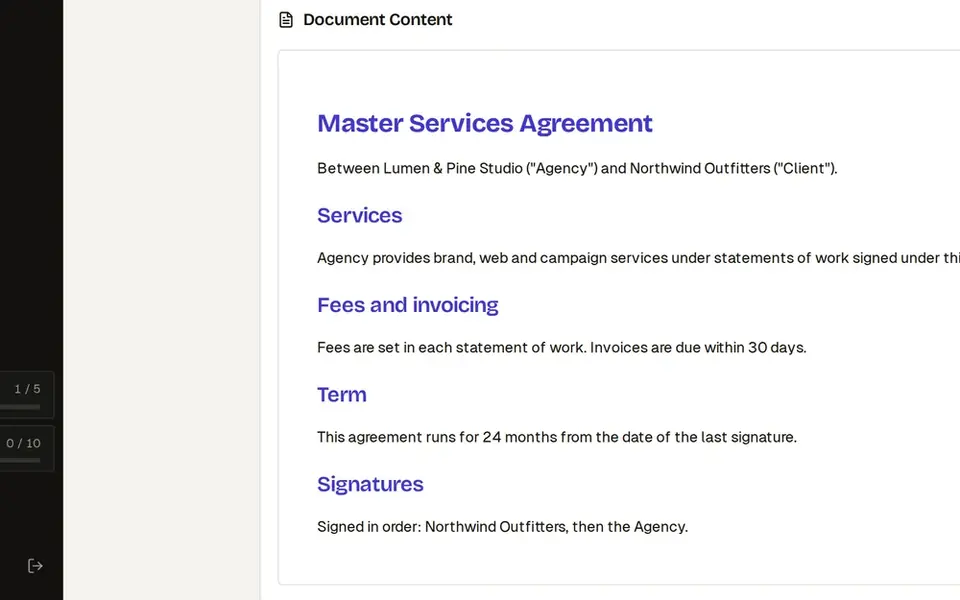 8 steps · about 30 secComplex
Three-party contract: signing order, CC and countersign
Everyone signs in the right order, and you sign last.
Collect client signatures in the right order, keep legal in the loop and countersign last.
Try this workflow with your own documents.
No credit card required.