Simple workflow · 7 steps · about 25 sec
Client asks for changes, you revise and resend
One document from first draft to signature, changes included.
The client wants different payment terms, so they decline with Need changes and say why. The proposal shows Changes requested with their reason. Revise and resend returns it to draft, you make the change and send it again, and the client’s new link shows what changed before they sign.
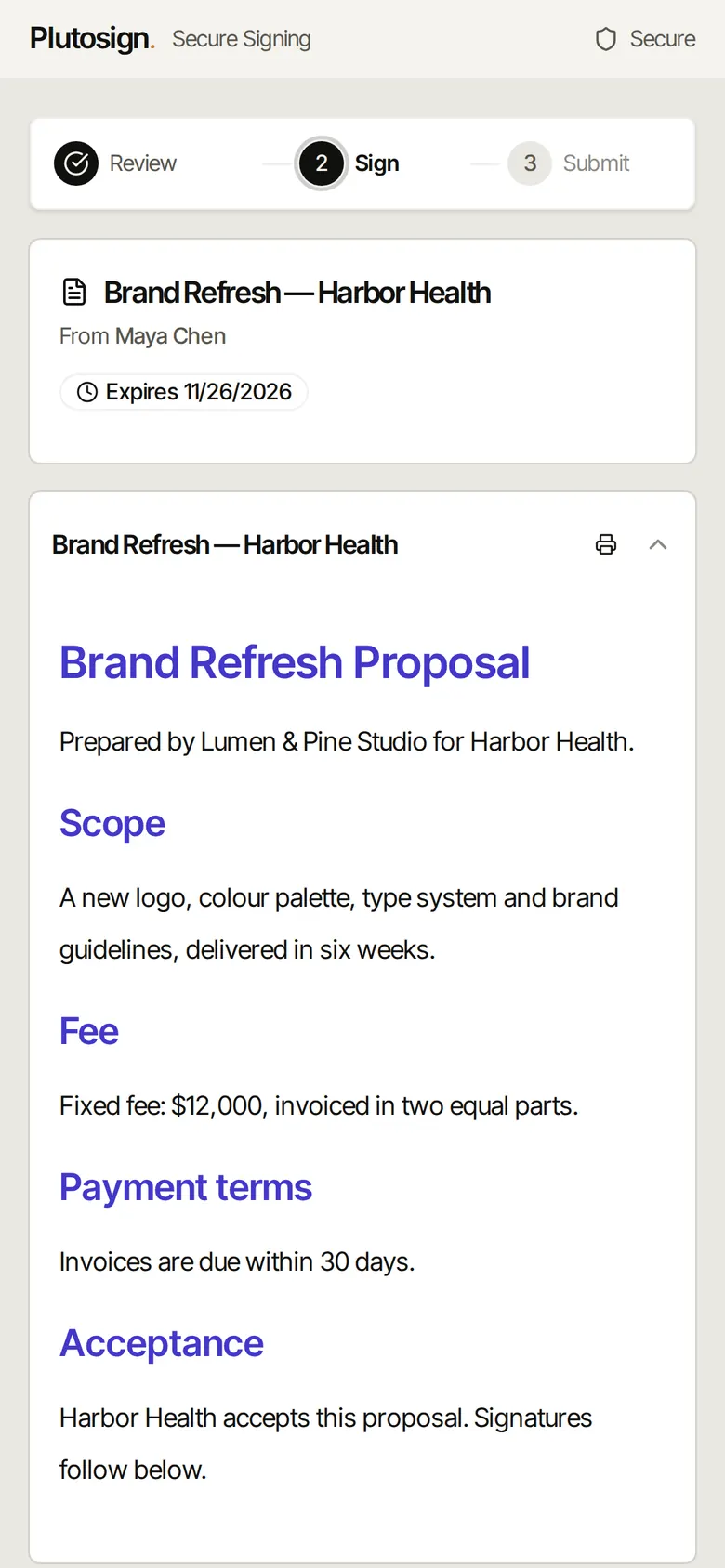
Step 1 of 7Dana at Harbor Health opens the proposal on a phone.
Real Plutosign screens with sample people and companies. Use the arrow keys, swipe, or press Autoplay to watch.
Every step
The same walkthrough as text, screen by screen.
- 01
The client reads it
Dana at Harbor Health opens the proposal on a phone.
On a phone
- 02
They ask for changes
Dana declines with Need changes and says why: finance needs 45-day payment terms.
On a phone
- 03
Changes requested
The status reads Changes requested. Revise and resend returns the proposal to draft.
On a computer
- 04
Make the change
Change the payment terms to 45 days, then send it again.
On a computer
- 05
See what changed
Dana's new link says the document was updated and shows exactly what changed.
On a phone
- 06
Signed, on the revised terms.
On a phone
- 07
Completed
Completed. The signed PDF carries the revised terms.
On a computer
Related workflows
See all workflows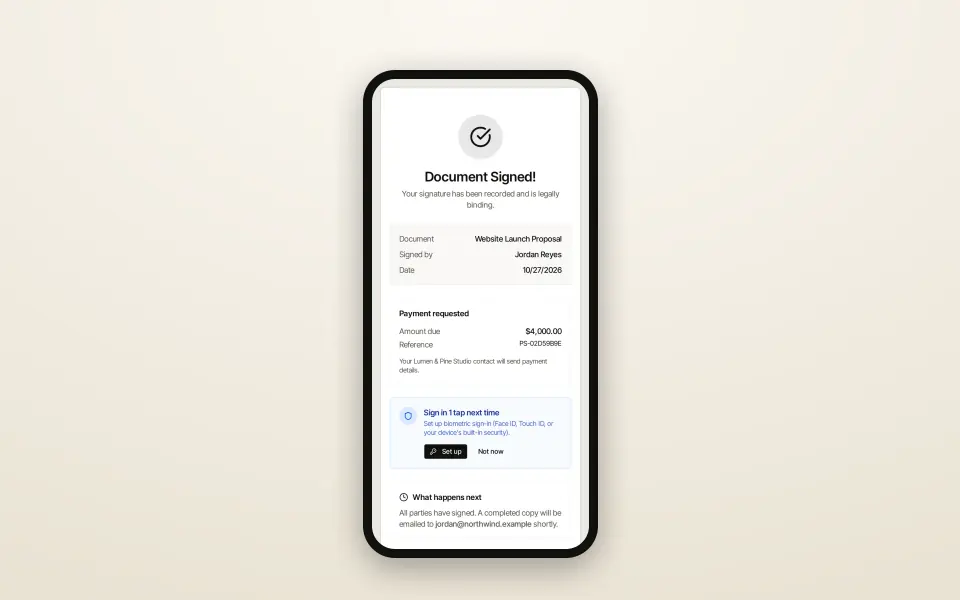 8 steps · about 30 secSimple
Send a proposal and get it signed
From template to signed PDF without leaving the browser.
Go from a template to a signed proposal, with your client signing on their phone.
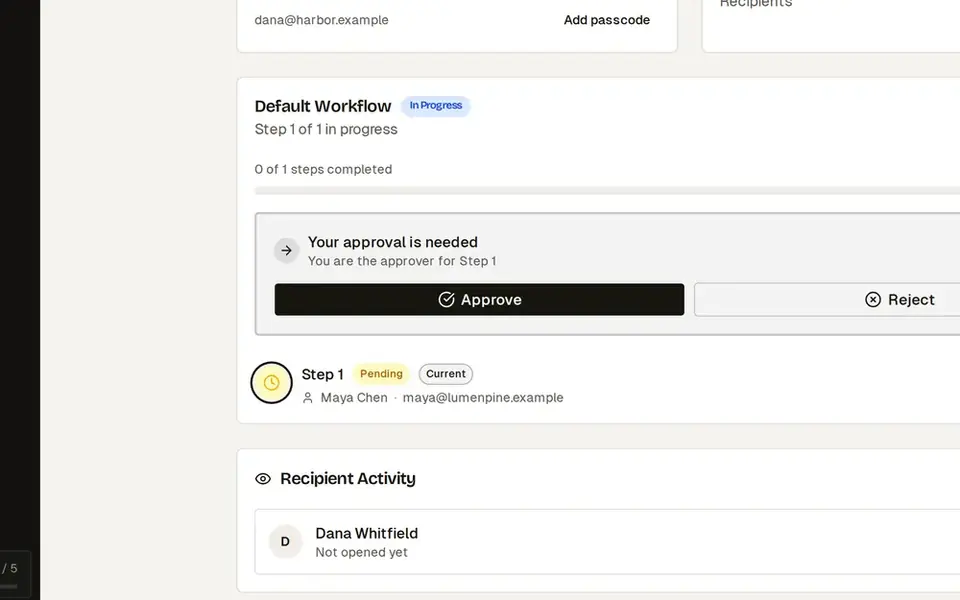 7 steps · about 25 secComplex
Manager approval before a discounted quote goes out
Approval happens before the client ever sees the price.
Discounts above your limit need an admin’s approval before the client can open the quote.
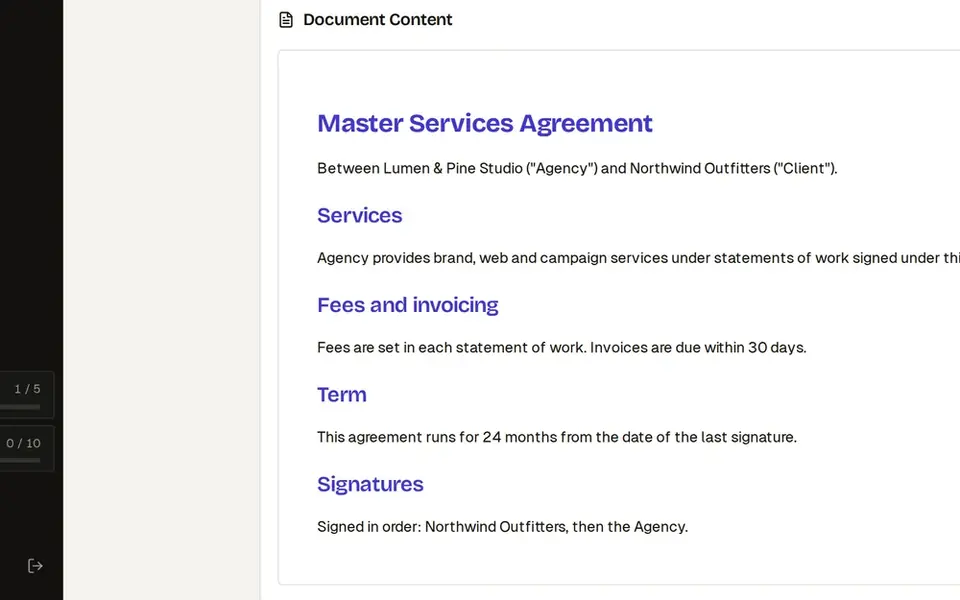 8 steps · about 30 secComplex
Three-party contract: signing order, CC and countersign
Everyone signs in the right order, and you sign last.
Collect client signatures in the right order, keep legal in the loop and countersign last.
Try this workflow with your own documents.
No credit card required.