Simple workflow · 8 steps · about 30 sec
Send a proposal and get it signed
From template to signed PDF without leaving the browser.
You have a proposal to get out today. Start from a template, type the client’s details once, add the signer and send. Your client reads it on their phone and signs in the browser, with no account to create. You get the signed PDF with its signing record.
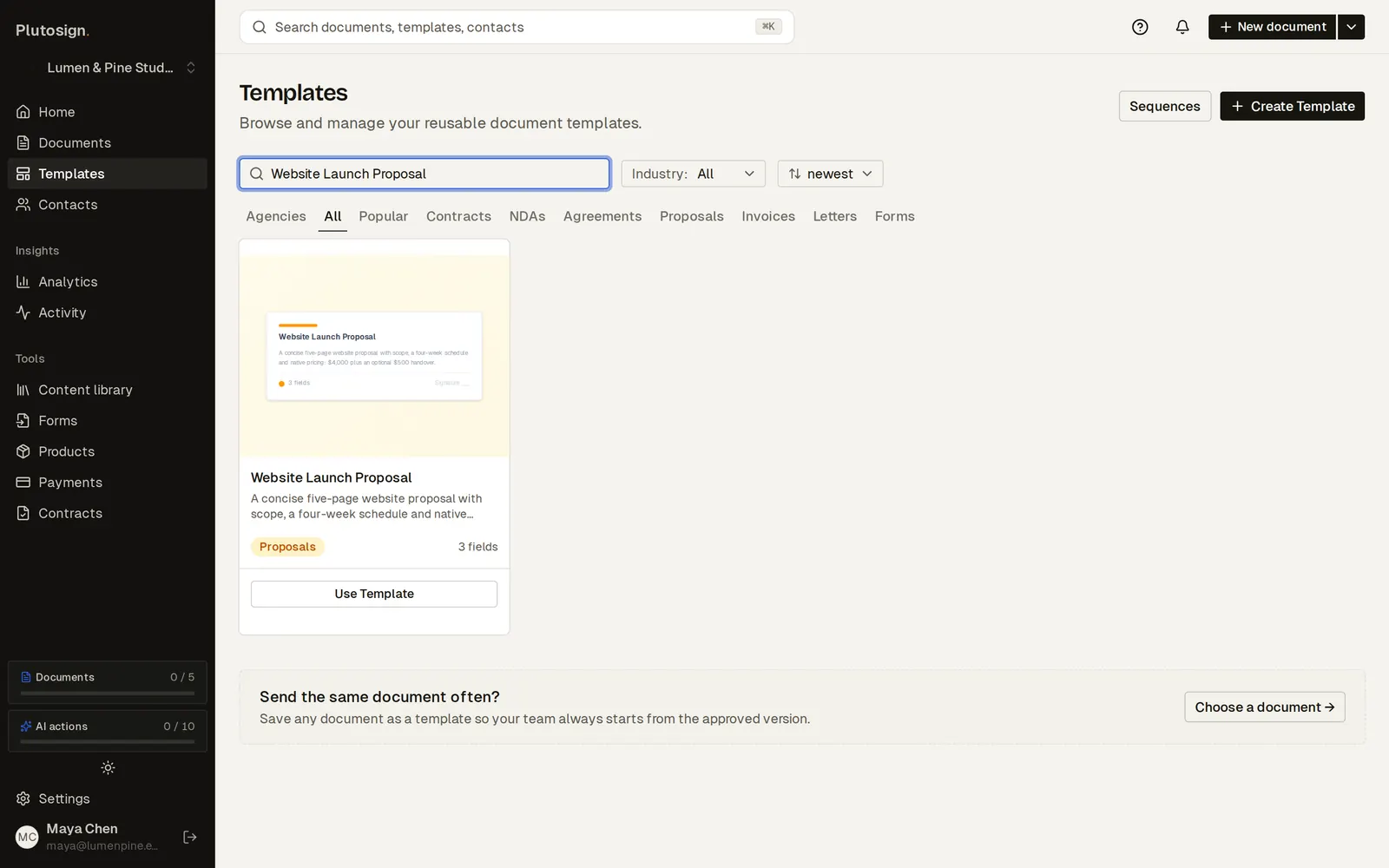
Step 1 of 8Start from a proposal template: scope, schedule and pricing are already written.
Real Plutosign screens with sample people and companies. Use the arrow keys, swipe, or press Autoplay to watch.
Every step
The same walkthrough as text, screen by screen.
- 01
Pick a template
Start from a proposal template: scope, schedule and pricing are already written.
On a computer
- 02
Fill in the client
Type the client details once. They fill in everywhere the proposal mentions them.
On a computer
- 03
Add the client
The proposal opens ready to edit. Add your client as the signer; their signature field is added for you.
On a computer
- 04
Send
Send it. Your client signs in the browser, with no account to create.
On a computer
- 05
Your client opens the proposal on their phone and reads it like a web page.
On a phone
- 06
They type or draw their signature.
On a phone
- 07
Signed. Your client gets a copy of the signed agreement.
On a phone
- 08
Download the signed PDF
The proposal shows Completed. Download the signed PDF with its signing record.
On a computer
Related workflows
See all workflows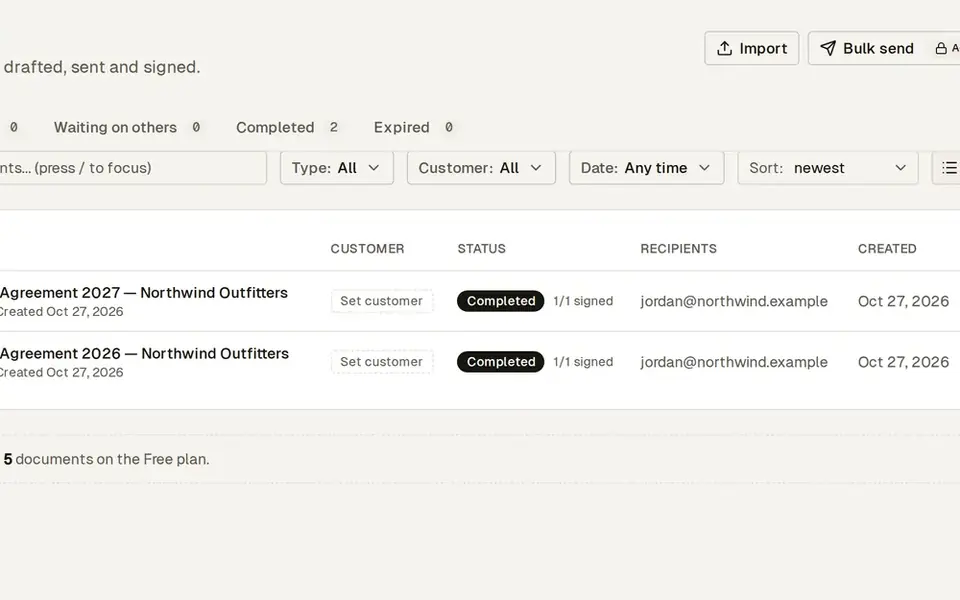 7 steps · about 25 secSimple
Renew last year’s contract in two minutes
Last year’s terms become this year’s agreement in a few clicks.
Duplicate last year’s signed agreement, update the term and send it again.
 8 steps · about 30 secComplex
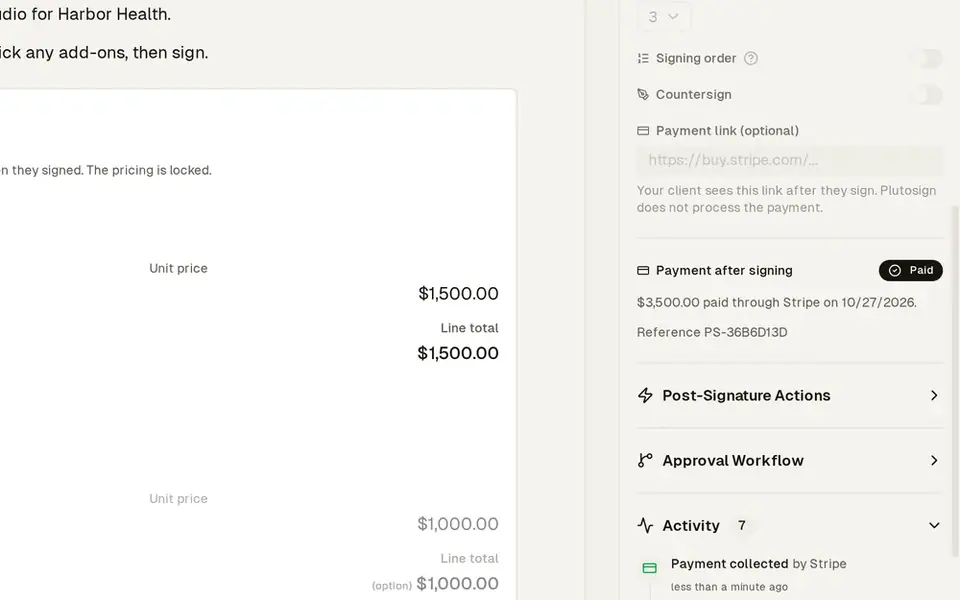
Quote where the client picks a package and add-ons
The client builds their own deal, then pays you directly.
Send one quote. The client picks a package and extras, and sees the totals update.
 7 steps · about 25 secSimple
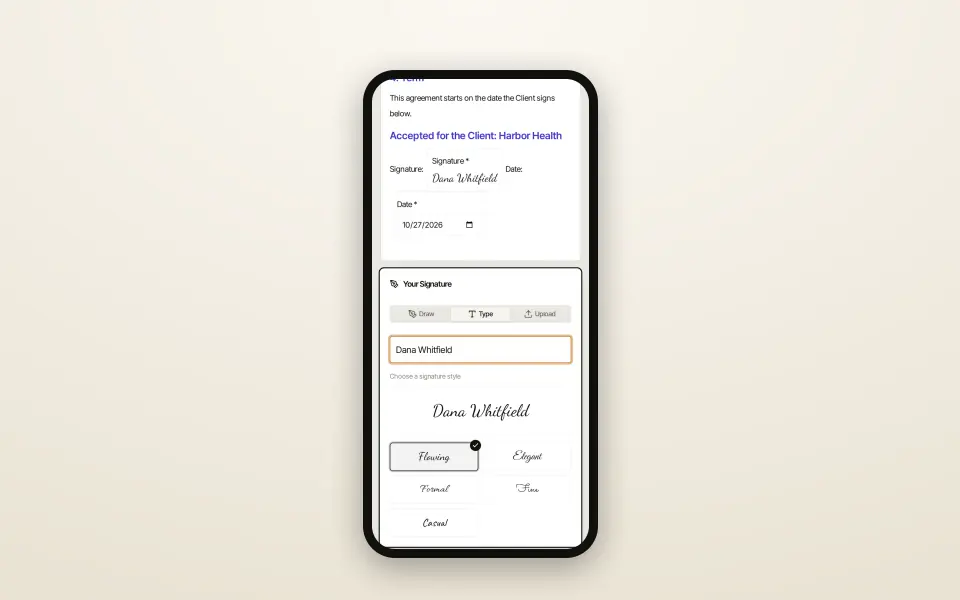
Turn an existing PDF into a signable document
Your existing PDFs become signable documents, fields already placed.
Import a contract you already use. Instant Switch places the signing fields for you.
Try this workflow with your own documents.
No credit card required.