Simple workflow · 7 steps · about 25 sec
Turn an existing PDF into a signable document
Your existing PDFs become signable documents, fields already placed.
Your best contracts already exist as PDFs from PandaDoc, DocuSign or Word. Import one and Instant Switch places signing fields on the signature and date lines and suggests the signer role. You review the result, choose the signer and send, instead of rebuilding the document.
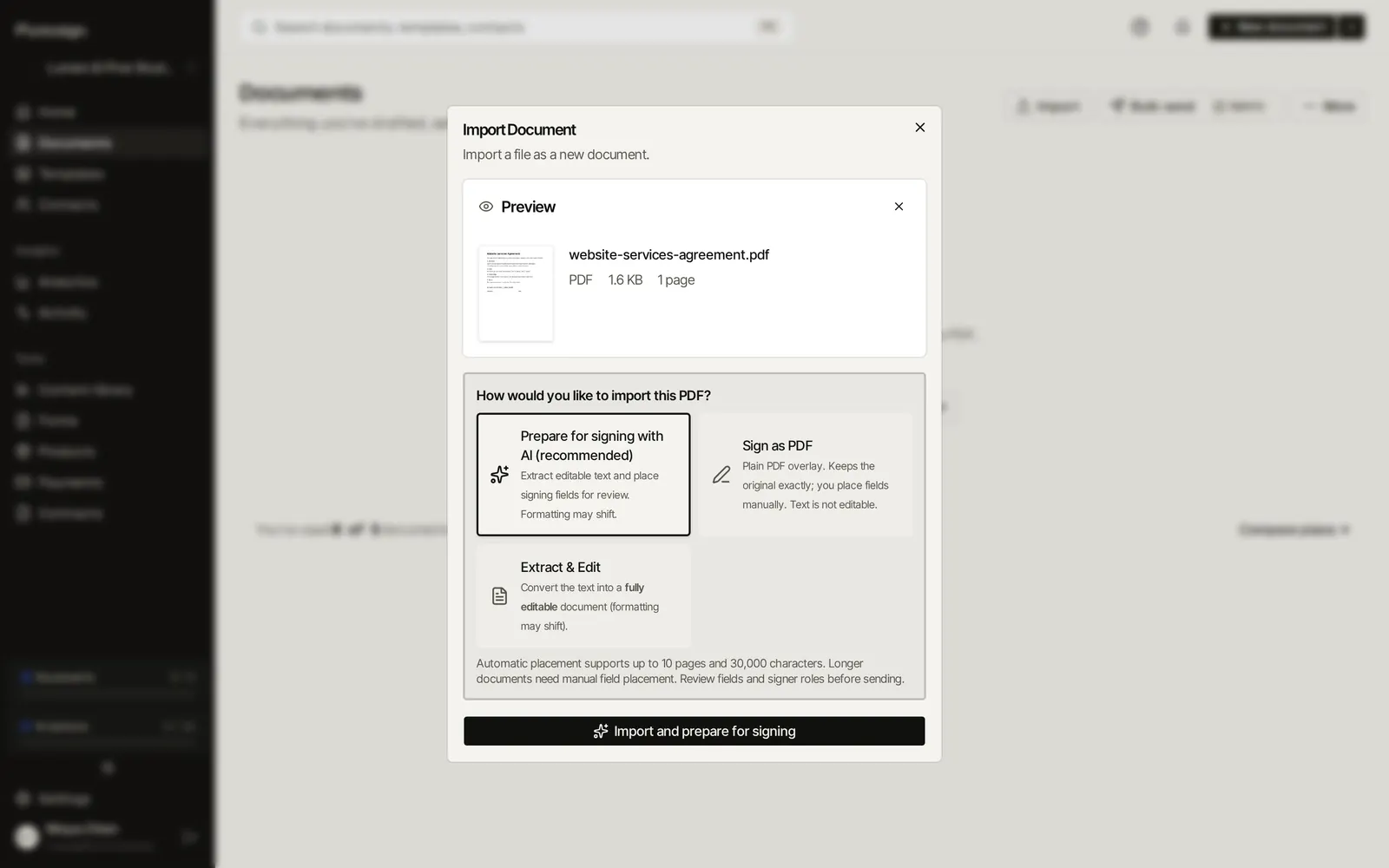
Step 1 of 7Import a contract you already use and choose Prepare for signing with AI.
Real Plutosign screens with sample people and companies. Use the arrow keys, swipe, or press Autoplay to watch.
Every step
The same walkthrough as text, screen by screen.
- 01
Prepare it for signing
Import a contract you already use and choose Prepare for signing with AI.
On a computer
- 02
Fields placed for you
Signing fields land on the signature and date lines, and a signer role is suggested for you to review.
On a computer
- 03
Choose the signer
Add your client and pick them as the signer for the role it found.
On a computer
- 04
Review the import
Check the result, then send: content, fields, signers and settings.
On a computer
- 05
Harbor Health opens the agreement on a phone. It reads like a web page, with no PDF zooming.
On a phone
- 06
They date it and sign where Instant Switch placed the fields.
On a phone
- 07
Signed. The completed agreement is ready to download.
On a phone
Related workflows
See all workflows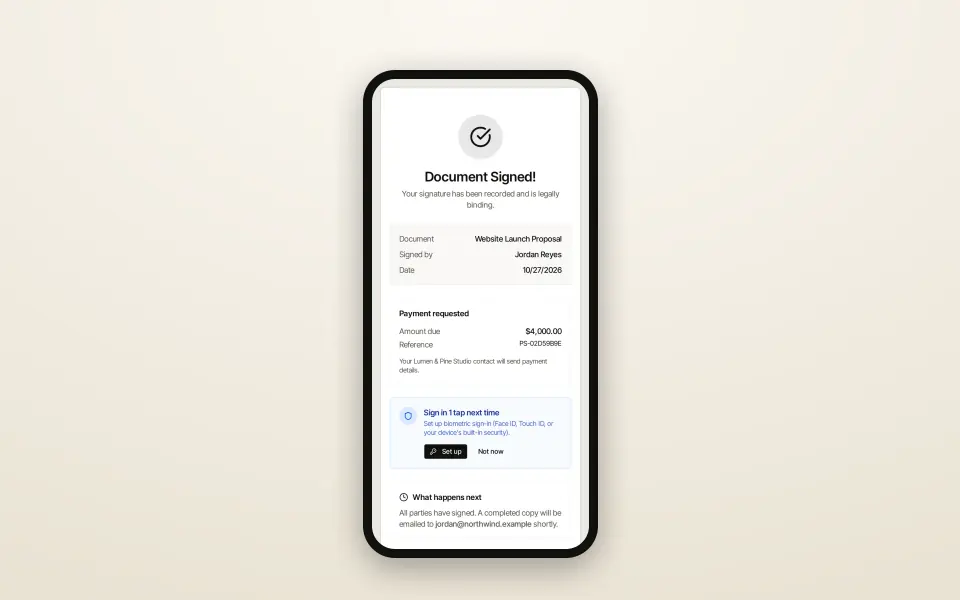 8 steps · about 30 secSimple
Send a proposal and get it signed
From template to signed PDF without leaving the browser.
Go from a template to a signed proposal, with your client signing on their phone.
 8 steps · about 30 secComplex
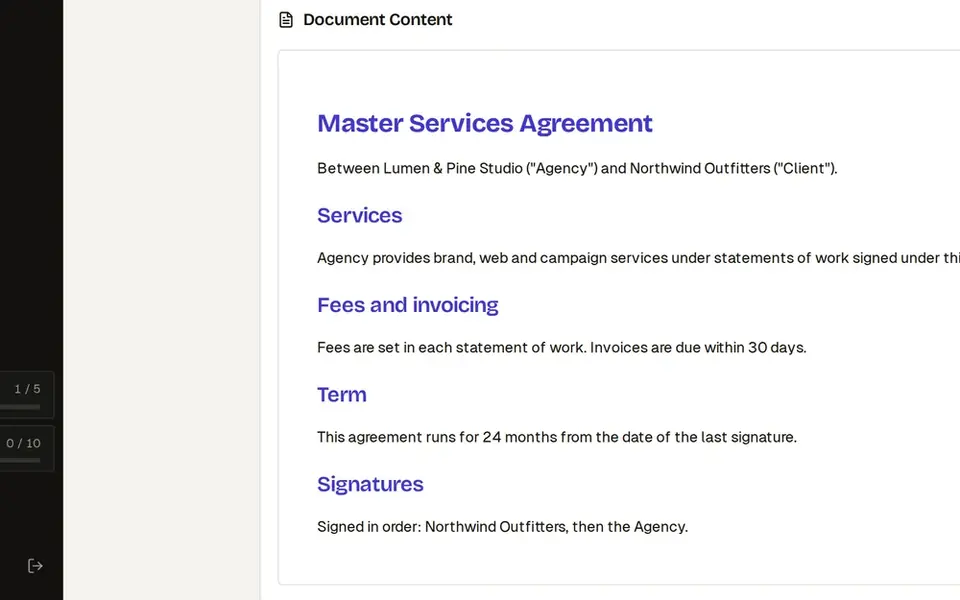
Three-party contract: signing order, CC and countersign
Everyone signs in the right order, and you sign last.
Collect client signatures in the right order, keep legal in the loop and countersign last.
 7 steps · about 25 secSimple
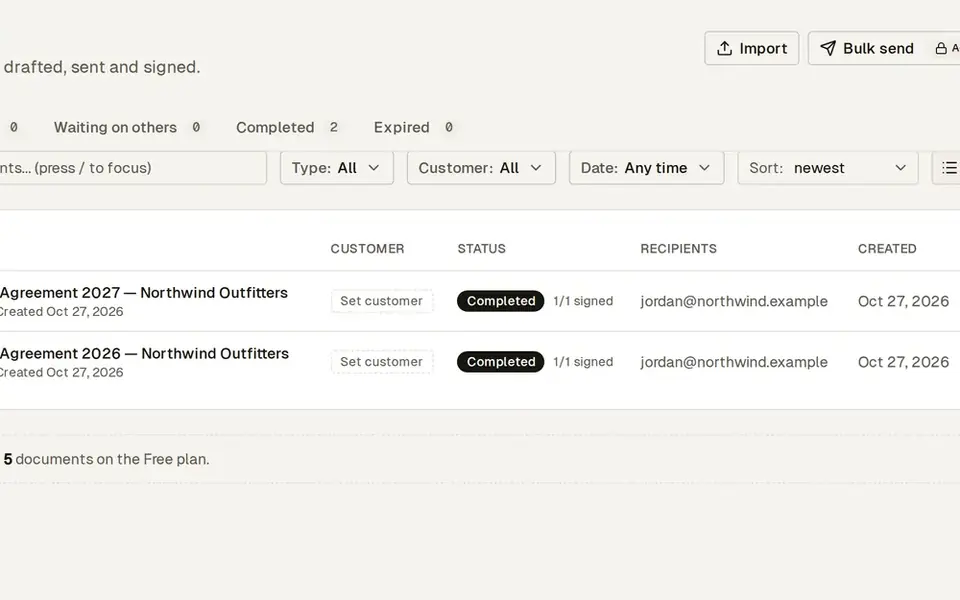
Renew last year’s contract in two minutes
Last year’s terms become this year’s agreement in a few clicks.
Duplicate last year’s signed agreement, update the term and send it again.
Try this workflow with your own documents.
No credit card required.