Complex workflow · 6 steps · about 20 sec
One SOW template, the right clauses for each client
Every client gets exactly the clauses that apply to them.
Enterprise clients get a dedicated support clause; standard clients do not. Write one SOW template with client details as variables and the enterprise clause as a conditional section. Every SOW you create from it includes exactly the clauses its client’s tier calls for.
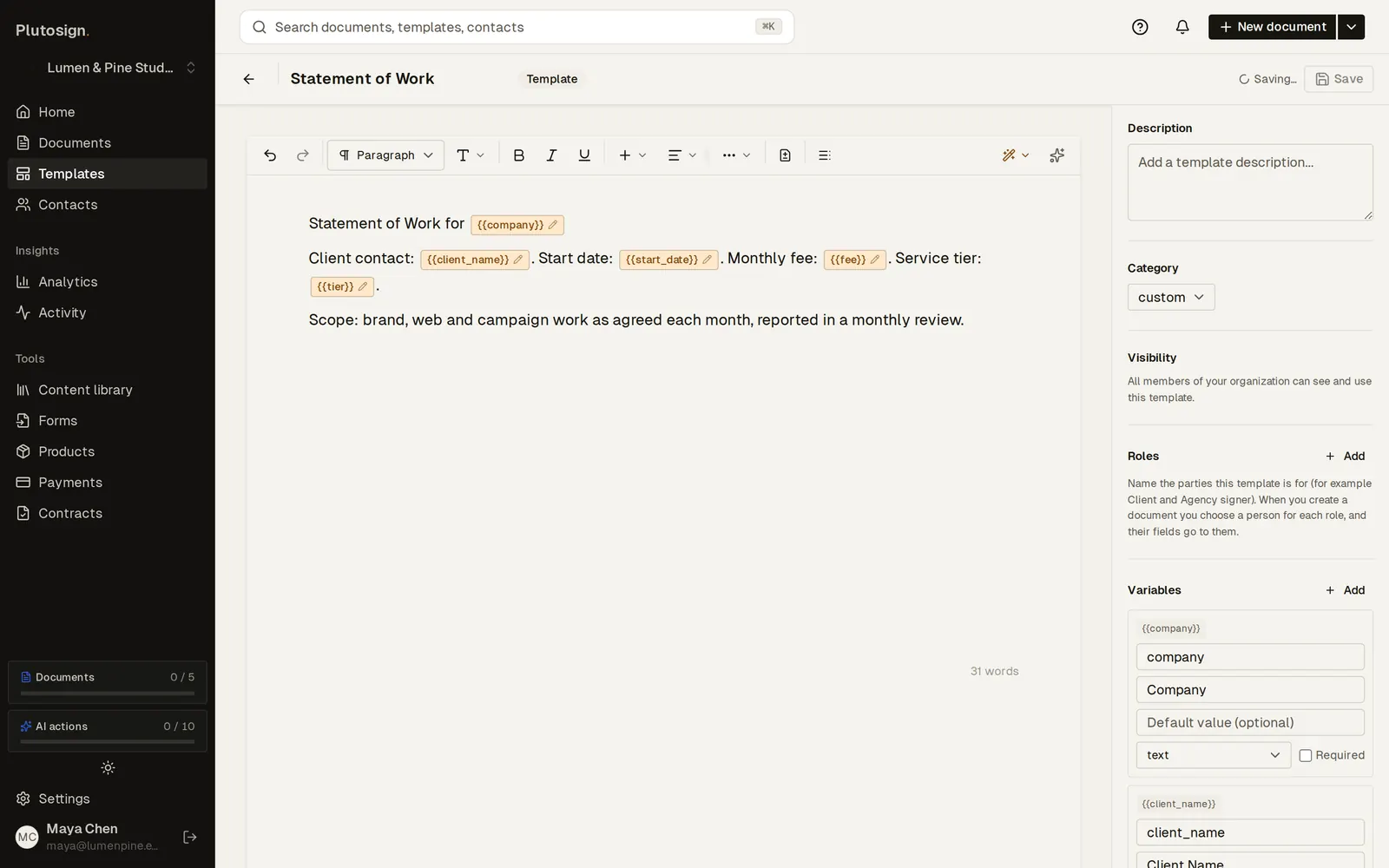
Step 1 of 6Write the SOW once. Client details are variables, filled in for each client.
Real Plutosign screens with sample people and companies. Use the arrow keys, swipe, or press Autoplay to watch.
Every step
The same walkthrough as text, screen by screen.
- 01
Write the template
Write the SOW once. Client details are variables, filled in for each client.
On a computer
- 02
Add a conditional clause
Add a conditional section: the enterprise support clause shows only when the tier is enterprise.
On a computer
- 03
Save the template
The clause carries its rule. Save the template for the whole team.
On a computer
- 04
Create an enterprise SOW
Create a SOW for Harbor Health, an enterprise client: fill in their details once, then send.
On a computer
- 05
The enterprise clause
Harbor Health's SOW includes the enterprise support clause.
On a phone
- 06
Standard client, no clause
Northwind, on the standard tier, gets the same SOW without the enterprise clause.
On a computer
Related workflows
See all workflows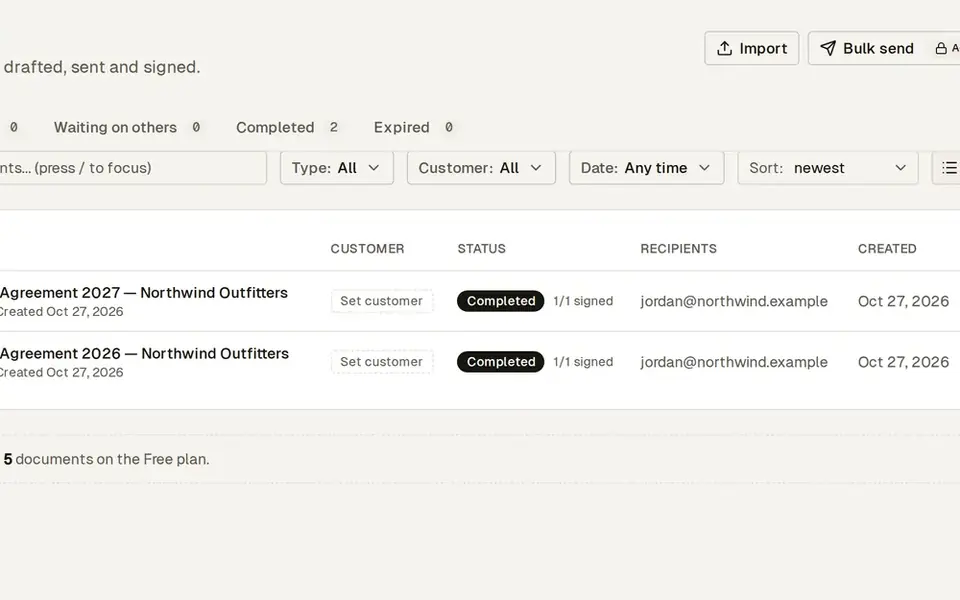 7 steps · about 25 secSimple
Renew last year’s contract in two minutes
Last year’s terms become this year’s agreement in a few clicks.
Duplicate last year’s signed agreement, update the term and send it again.
 8 steps · about 30 secComplex
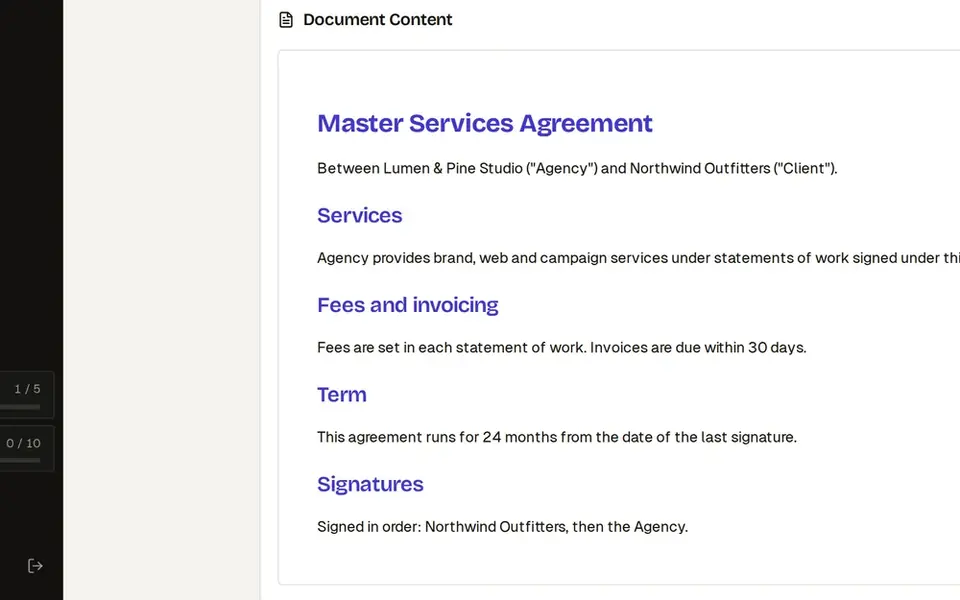
Three-party contract: signing order, CC and countersign
Everyone signs in the right order, and you sign last.
Collect client signatures in the right order, keep legal in the loop and countersign last.
 8 steps · about 30 secComplex
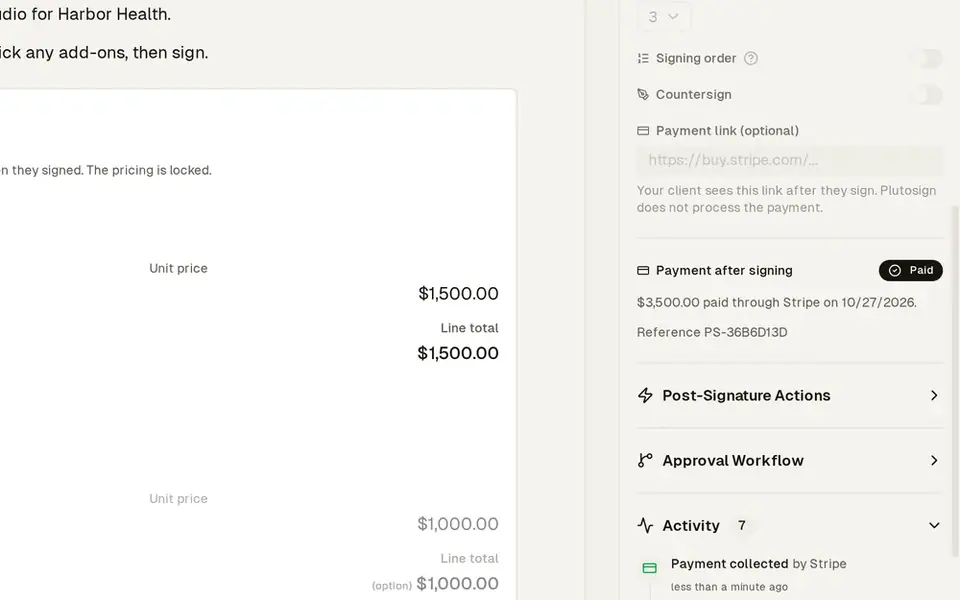
Quote where the client picks a package and add-ons
The client builds their own deal, then pays you directly.
Send one quote. The client picks a package and extras, and sees the totals update.
Try this workflow with your own documents.
No credit card required.